This post may contain affiliate links. This means if you click on the link and purchase something, I will receive a commission with no extra cost to you. For more information, please read my disclaimer.
I’ll be upfront with you — I tested both of these properly, in my actual kitchen, with my actual family. I wasn’t expecting to have a strong opinion going in. I came out with one.
I run multiple businesses and I’ve been on a mission to reduce the amount of mental load that comes from keeping a family organised alongside everything else. The idea of a dedicated family calendar display that syncs automatically and lives on the wall rather than buried in my phone felt like exactly the kind of thing that should exist. So I tested Dragon Touch and Skylight properly — set them both up, used them both, and put them through the kind of daily chaos that tells you more about a product than any spec sheet.
Here’s my honest take.
Key Takeaways
If you’re tech-shy and budget isn’t a concern, Skylight’s interface is genuinely lovely. If you want everything without paying extra each year, Dragon Touch wins
Dragon Touch edges out Skylight for most families — more screen sizes, double the storage, and no subscription fees for the features that matter most
Skylight has a more polished interface and a beautiful 27-inch Max model but locks key tools like meal planning and photo screensavers behind a $39–79/year Plus plan
Dragon Touch setup took me less than 20 minutes — plug in, connect to Wi-Fi, sync your existing calendars, done
The chore chart with star rewards on Dragon Touch is the one my kids actually engage with — that alone was worth it for us
Why I Tested These Specifically
Family calendar displays have exploded in the last couple of years and the choice is genuinely overwhelming. I’d been using a combination of Google Calendar on my phone, a paper planner on the kitchen counter, and — if I’m honest — a lot of last-minute “wait, what time is that?” moments.
The promise of both Skylight and Dragon Touch is the same: one always-visible screen on the wall that the whole family can see, touch, and update. No more missing sports fixtures, no more forgotten school events, no more dinner conversation consisting entirely of logistics.
I wanted to know which one actually delivered on that promise. So I got both.
Hardware and Sizes — A Clear Winner
This is where Dragon Touch pulls away immediately for most families.
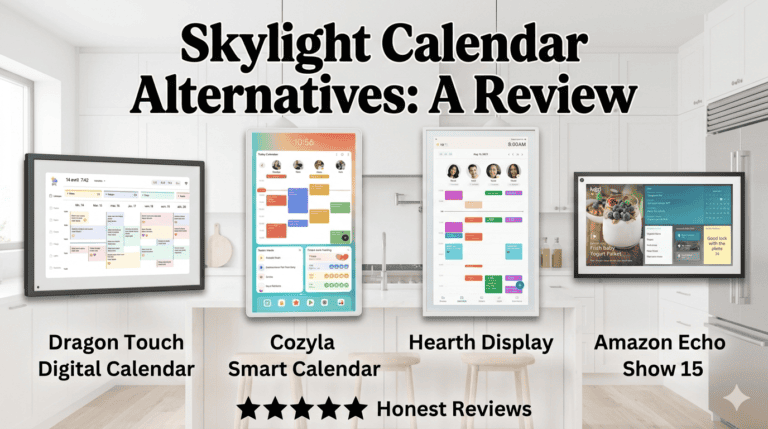
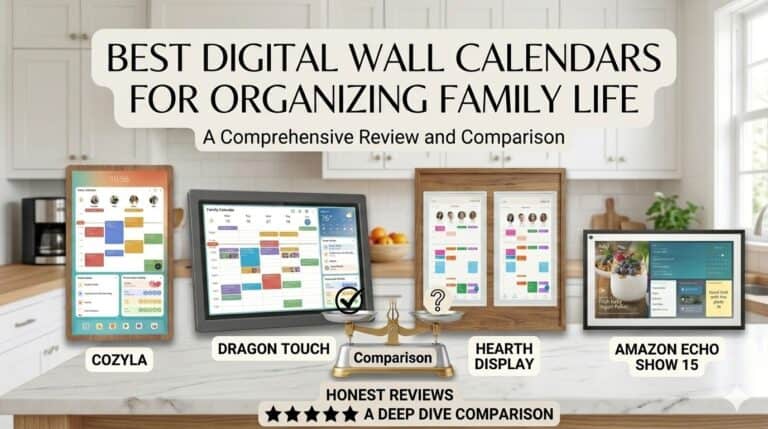
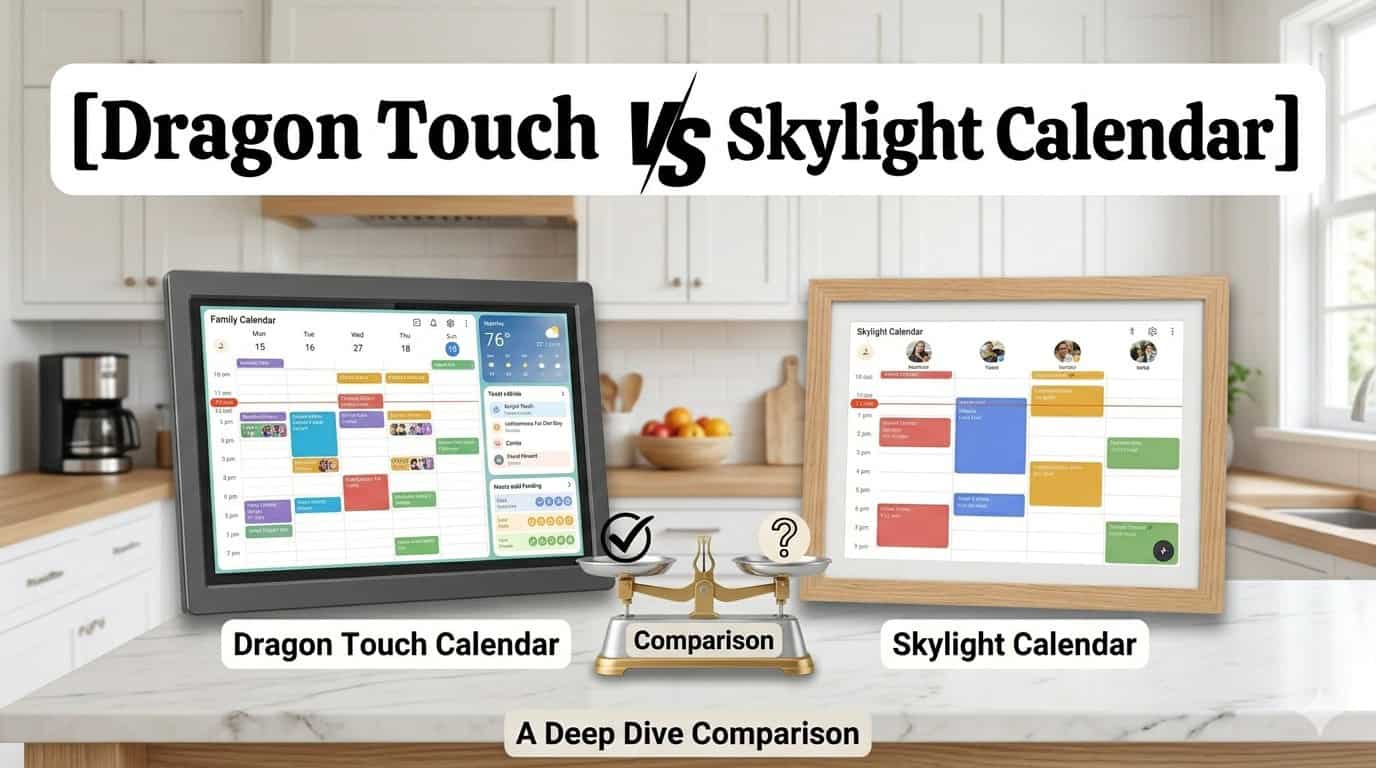
Dragon Touch comes in six sizes — 10.1″, 15.6″, 21.5″, 24″, 27″, and 32″ — all in Full HD (1920×1080). I tested the 21.5″ and it was the sweet spot for our kitchen wall. Big enough to read clearly from across the room without dominating the space. The 32-inch model is genuinely impressive for larger kitchens or open-plan living areas where you need visibility from a distance — it’s the kind of screen you can actually glance at while cooking rather than walking over to check.F or a full breakdown of sizing options across all digital wall calendars, see my best digital wall calendar for families guide.
Skylight offers 10″, 15″, and 27″ Max. That gap between 15″ and 27″ is a real limitation — if you want something mid-sized, you’re either going too small or making a significant size jump. The 27″ Max is a beautiful piece of kit with a 2560×1440 QHD display and a particularly nice anti-glare screen, but you’re paying premium prices for it.
Both use responsive IPS touchscreens and can be wall mounted or used on a desk. Dragon Touch adds 32GB of storage on most models — double Skylight’s 16GB on standard sizes — and dual-band Wi-Fi for more reliable syncing.
Setup — Both Are Genuinely Easy, But Dragon Touch Was Faster
I had Dragon Touch fully up and running in under 20 minutes. Plug in, connect to Wi-Fi, download the eCalendar app, sync your existing Google or Apple calendars. Everything landed in one place — colour-coded by family member — without me having to manually re-enter a single event. That felt like a small miracle given how these things usually go.
Skylight was also straightforward and the app is well-designed — probably the more polished of the two interfaces. Non-technical users will feel very comfortable with it. The setup process is clean and the calendar display looks genuinely premium out of the box.
Features — Where the Real Difference Shows
This is where the choice becomes clearer.
Dragon Touch — what you get for free:
- Calendar sync with Google, Apple, Outlook, Cozi, Yahoo — colour-coded by person
- Interactive chore chart with star-based rewards system
- Meal planning / dinner planner built in
- Custom lists — grocery, packing, wish lists, all colour-coded
- Weather
- Photo screensaver / digital photo frame mode
- Sleep mode
- Remote updates via the free eCalendar app from anywhere
The chore chart with the star rewards is the one my kids actually engage with. They tap off tasks themselves and watch their stars accumulate — it turned “has anyone emptied the dishwasher” from a daily argument into something they’re oddly competitive about. I did not expect that to work as well as it does.
The meal planning feature is built right in and stops the daily “what’s for dinner?” spiral. When nobody’s actively using the screen, it flips into a digital photo frame showing family photos. That was an unexpected bonus — it makes the screen feel like part of the house rather than a piece of tech on the wall.
Skylight — what’s free vs what costs extra:
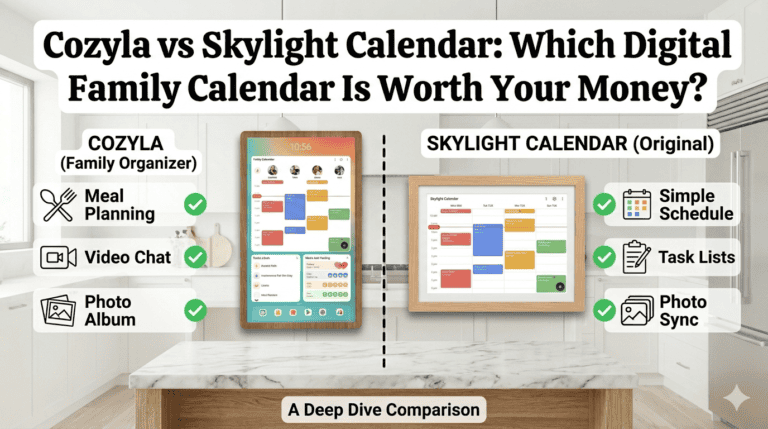
The basics are free and genuinely good — colour-coded events, tasks, lists, weather, parental controls, and a well-reviewed app that integrates smoothly with Google Calendar. Non-technical users in particular find Skylight intuitive and reassuring.
However, the features that make it feel premium — meal planners, photo and video screensavers, chore rewards, and Magic Import — sit behind the Skylight Plus subscription at $39–79 per year depending on the plan. That’s not a dealbreaker on its own, but it does change the value calculation. Over five years that’s potentially $200–400 on top of the hardware cost for features Dragon Touch includes for free.
The Honest Downsides
Dragon Touch:
- The meal planning feature doesn’t automatically push ingredients to your grocery list — you have to add them manually, which feels like a missed opportunity given how close it comes to being fully joined up
- The star rewards system can only be edited via the app, not on the device itself — a small but occasionally annoying limitation
- The 10″ model can’t be wall mounted; the 32″ must be wall mounted — worth checking before you buy
- Warranty is 1 year standard, 2 years if bought direct
Skylight:
- The subscription model means ongoing costs for features you’d expect to be included
- Fewer size options — that gap between 15″ and 27″ is a real limitation for families who want something in between
- Standard models have 16GB storage versus Dragon Touch’s 32GB
- The 120-day return window is genuinely generous and worth noting — it’s one of the best in this category
Which One Should You Choose?
Choose Dragon Touch — especially the 32-inch — if:
- You want a true household command center with maximum visibility from across the room
- You don’t want to pay a subscription for features that should be included
- You have kids and want a chore chart that they’ll actually use
- You want meal planning, photo frames, and calendar all in one without paying extra
- Long-term value matters more than premium aesthetics
Choose Skylight if:
- Design and interface polish matter more than feature breadth
- You specifically want the 27-inch Max with its QHD display
- You or your family are less tech-comfortable and want the most guided, intuitive experience
- You’re happy to pay the Plus subscription for the additional tools
Not sure either is right for you? See how both compare against the full range of options in my Skylight Calendar alternatives guide
My Verdict
Dragon Touch was the one I wasn’t expecting to love and ended up recommending to almost everyone. The combination of screen size options, free features, storage, and setup speed makes it genuinely outstanding value. For families who want a calendar that actually runs the household without a monthly fee attached, this is where I’d point you first.
Skylight is a lovely product and I completely understand why it’s popular — the interface is polished, the 27-inch Max is beautiful, and for non-technical users it feels very approachable. But the subscription model for features Dragon Touch gives you for free is hard to justify once you’ve seen both side by side.
Start with the free trial period where possible — both companies offer return windows — and see which one fits how your family actually works. You’ll know quickly.
Also worth reading: Cozyla vs Skylight — another strong alternative if neither of these feels quite right.
Quick Comparison
Dragon Touch
- Sizes: 10″, 15″, 21″, 24″, 27″, 32″
- Resolution: Full HD on most models
- Storage: 32GB
- Subscription: None required
- Meal planning: Free
- Photo screensaver: Free
- Chore rewards: Free
- Price from: $249.99
- Warranty: 2 years (direct)
Skylight
- Sizes: 10″, 15″, 27″ Max
- Resolution: Full HD / QHD (Max)
- Storage: 16GB standard
- Subscription: $39–79/year for Plus features
- Meal planning: Plus plan
- Photo screensaver: Plus plan
- Chore rewards: Basic free, more via Plus
- Price from: $299.99
- Return window: 120 days