This post may contain affiliate links. This means if you click on the link and purchase something, I will receive a commission with no extra cost to you. For more information, please read my disclaimer.
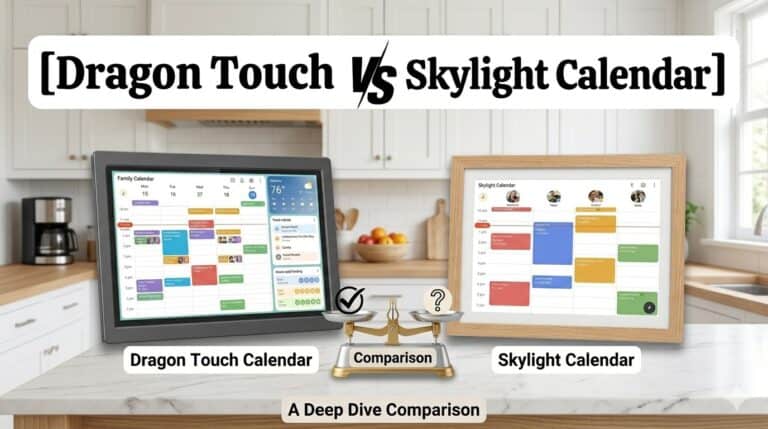
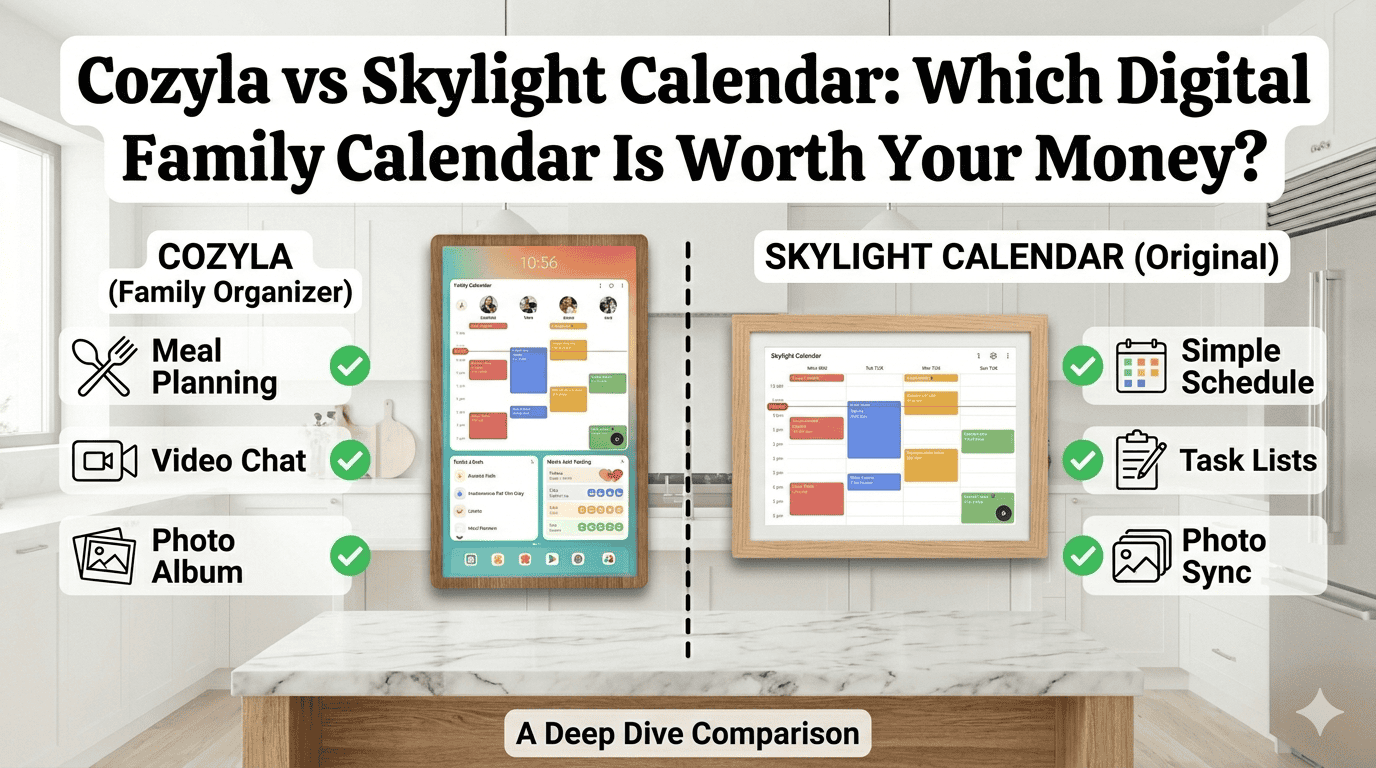
If you’re trying to decide between the Cozyla and the Skylight Calendar, you’re not alone. These are the two most searched digital family calendars right now — and the decision isn’t as obvious as the price tags suggest.
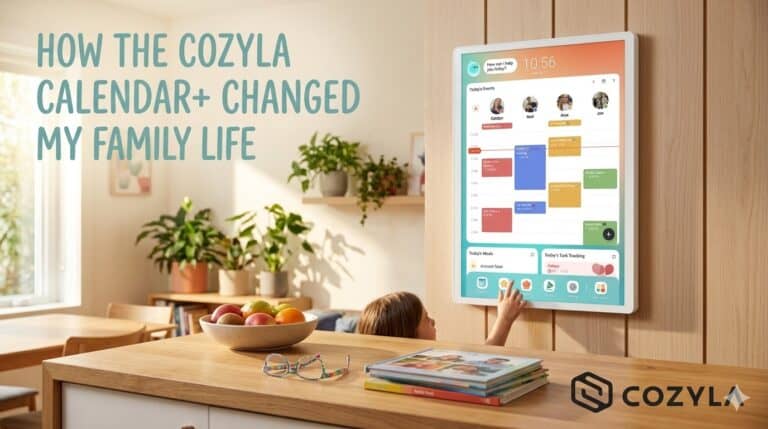
I’ve used both. I started with the Skylight Calendar, ran it for several months as our family’s central hub, and then switched to the Cozyla Calendar+. Below I’ll walk you through exactly how they compare across every category that matters for family life, so you can make the right call without spending weeks researching.
Quick verdict: Skylight is the better choice if you want something simple, affordable, and easy to set up. Cozyla wins if you want a true family command center with more customization, no subscription fees, and the ability to run apps beyond the calendar.
Cozyla vs Skylight at a Glance
| Feature | Cozyla Calendar+ | Skylight Calendar |
|---|---|---|
| Price | From $499.99 (15.6″) / $809.99 (32″) | $169.99 – $249.99 |
| Screen sizes | 15.6″, 22″, 32″ | 10″, 15″, 27.6″ |
| Subscription required | ❌ No | ✅ Yes (Skylight Plus for full features) |
| Touchscreen | ✅ Yes | ✅ Yes |
| Google Calendar sync | ✅ Yes | ✅ Yes |
| Apple Calendar sync | ✅ Yes | ✅ Yes |
| App store access | ✅ Full Google Play Store | ❌ Limited |
| Meal planning | ✅ Built-in + AI recipes | ✅ Basic |
| Chore tracking | ✅ Yes | ✅ With Skylight Plus |
| Rotating/portable | ✅ Swivels portrait/landscape | ❌ Fixed mount |
| Smart home integration | ✅ Google Assistant | ❌ No |
| Photo slideshow | ✅ Yes | ✅ Yes |
| Netflix/streaming | ✅ Yes | ❌ No |
Price: Skylight Wins for Budget Families
There’s no getting around it — Skylight is significantly cheaper. The entry-level Skylight Calendar starts at around $169.99, while the Cozyla Calendar+ starts at $499.99 for the 15.6-inch version and goes up to $809.99 for the 32-inch model.
But price isn’t the full story. Skylight locks several of its most useful features — including chore charts and premium calendar views — behind its Skylight Plus subscription, which adds an ongoing cost to what initially looks like a one-time purchase.
Cozyla, by contrast, has no subscription model. Everything is included from day one. Over two or three years of use, the total cost difference narrows considerably, especially for families who would otherwise be paying for Skylight Plus.
Winner: Skylight for upfront cost. Cozyla for long-term total value.

Ideal for families who need a calendar that's always visible and easy to use. Easy setup and online calendar synchronization.
Setup and Ease of Use
Both devices are genuinely straightforward to set up. Skylight is probably the simpler of the two — you connect it to Wi-Fi, enter your email, and it pulls in your Google or Apple Calendar automatically. Most families are up and running in under 15 minutes.
Cozyla takes slightly longer — around 30 minutes — because there’s more to configure. The larger screen and rotating mount add a step to installation, and setting up your customised dashboard takes a little time. That said, once it’s set up, the payoff is noticeable: you can manage almost everything directly on the screen itself without needing to open an app on your phone.
This was actually one of my biggest frustrations with Skylight. To add or edit anything on Skylight, you typically need to use the Skylight app on your phone. With Cozyla, you just walk up and tap the screen. For a busy family household, that difference adds up quickly.
Winner: Skylight for initial simplicity. Cozyla for day-to-day usability.
Calendar Features
Both devices sync with Google Calendar, Apple Calendar, Outlook, and Yahoo — so if you’re already using any of these, getting your schedule onto either screen is easy.
Where they differ is in what you can do with that calendar once it’s on the screen.
Skylight keeps it clean and minimal. You get a clear, readable family calendar with colour coding per member. It’s great for at-a-glance visibility. But if you want to add events, set reminders, or manage recurring tasks in any detail, you’re back to the app.
Cozyla’s calendar is more feature-rich. You can manage events directly on screen, view multiple family member schedules side by side, and layer in other widgets — weather, grocery lists, meal plans — right alongside your calendar. The split-screen mode means you can have your calendar and a recipe open at the same time, which sounds like a small thing until you’re actually standing at the kitchen counter trying to cook dinner.
Winner: Cozyla — more flexibility and on-screen control.
Chore Tracking and Family Management
This is where Cozyla really pulls away from Skylight for larger or more complex households.
With Cozyla, each family member gets their own profile. You can assign chores to individual kids, set daily task lists, and let them check things off independently — right on the screen. My 9-year-old checks his reading and chores list every afternoon without me having to remind him. That alone has been worth the upgrade.
Skylight does offer chore tracking, but it’s tied to the Skylight Plus subscription. If you’re on the free plan, you get limited functionality. And even with Plus, the chore management is less customisable than Cozyla’s.
Winner: Cozyla — no subscription required, and more depth for family task management.
Meal Planning
If meal planning is important to your family, Cozyla has a significant edge here.
Skylight offers basic meal planning — you can add meals to your calendar, which is useful for answering the daily “what’s for dinner?” question. But that’s about as far as it goes.
Cozyla goes much further. It has over 5,000 built-in recipes, lets you import your own, and includes an AI assistant that can suggest recipes based on ingredients you already have at home. I tested this live — I entered four items from my fridge and pantry, and within seconds it had generated a full recipe with a grocery list for the missing ingredients. It genuinely works, and it’s saved me real time and money on groceries by reducing food waste.
You can also pull up full recipe tutorials directly on the Cozyla screen while you cook, which is a game changer compared to squinting at your phone.
Winner: Cozyla — not even close for meal planning families.

The ultimate digital family hub.
- 📅 Syncs with Google, Apple, Outlook & more
- 👨👩👧 Colour-coded profiles for the whole family
- ✅ Chore charts with a built-in kids rewards system
- 🍽️ Smart meal planner with grocery lists & recipes
- 📱 Control from anywhere with the Cozyla+ app
- 🖼️ Wall-mountable in portrait or landscape
Customisation and Apps
This is the most fundamental difference between the two devices.
Skylight runs a closed, proprietary system. You can use the features Skylight has built, and that’s it. There’s no app store, no ability to add third-party apps, and no widgets beyond what Skylight provides. For some families, that simplicity is a feature. For others, it’s a ceiling.
Cozyla runs on Android with full Google Play Store access. That means you can install almost any app — your favorite streaming service, a homework help tool, a smart home controller, a weather radar app. My son is obsessed with weather, so I set up a detailed weather widget pinned to our home screen. He checks wind speed, humidity, and radar every morning before school. None of that would be possible on Skylight.
Winner: Cozyla — far more customisable and future-proof.
Screen and Design
Skylight’s screens are well-made and perfectly readable. The 27.6-inch model is large enough to be useful across a kitchen without being overwhelming. The design is clean and blends into a home environment without looking too “tech-y.”
Cozyla’s 32-inch screen is noticeably larger, and the image quality is sharp. The standout design feature, though, is the rotating mount. You can swivel it between portrait and landscape without tools. Portrait mode works beautifully as a calendar in a hallway or kitchen. Landscape mode turns it into an entertainment hub for cooking videos or family movie nights.
The Cozyla Go model also has a built-in battery, so you can unplug it and move it around — to the kitchen island while cooking, to the living room while the kids do chores. Skylight is fixed in one spot.
Winner: Cozyla for size, flexibility, and portability. Skylight for a lower-profile look.
Photo Slideshow
Both devices display a photo slideshow when not in active use, and both do it well. You can upload family photos and have them rotate throughout the day as a digital photo frame.
This is one area where Skylight is genuinely comparable. If the photo frame feature is a big selling point for you, you won’t feel like you’re missing out on either device.
Winner: Tie.
Smart Home Integration
Cozyla integrates with Google Assistant built-in, so you can control smart lights, thermostats, add shopping list items, or set timers by voice. If you already have a smart home setup, Cozyla slots in naturally.
Skylight has no native smart home integration.
Winner: Cozyla
Who Should Buy the Skylight Calendar?
Skylight is the right choice if:
- You want the most affordable entry point into digital family calendars
- Your household is smaller or your scheduling needs are straightforward
- You prefer something simple with minimal setup and a clean interface
- You don’t need apps, streaming, or smart home features
- You’re buying this as a gift and want something easy for anyone to use
👉 Check the current price of the Skylight Calendar on Amazon
Who Should Buy the Cozyla Calendar+?
Cozyla is the right choice if:
- You want a long-term family hub with no ongoing subscription fees
- You have kids and want robust chore tracking and individual profiles
- Meal planning is a regular part of your week
- You want the ability to add apps, stream content, or use Google Assistant
- You want a large, flexible screen that can move around your home
- You’re frustrated by having to use your phone to manage a wall calendar
👉 Check the current price of the Cozyla Calendar+ on Amazon
Final Verdict: Cozyla vs Skylight
Both are genuinely good products, and the right answer depends on your budget and how much you want your family calendar to do.
Choose Skylight if you want simplicity and a lower price tag.
Choose Cozyla if you want a full family command centre that grows with your family’s needs — and you don’t want to be nickel-and-dimed by a subscription down the line.
For our family of five, Cozyla was the clear winner. The meal planning alone saves us real time every week, the kids actually use the chore system independently, and having a full Android device on our kitchen wall means we’re not limited by whatever features Skylight chooses to build next.
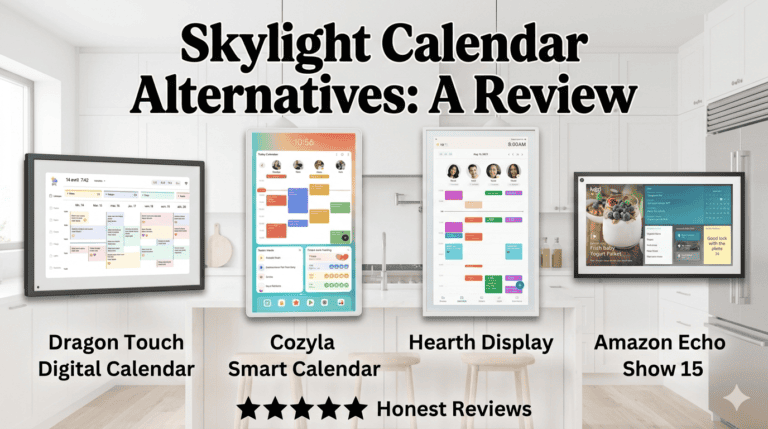
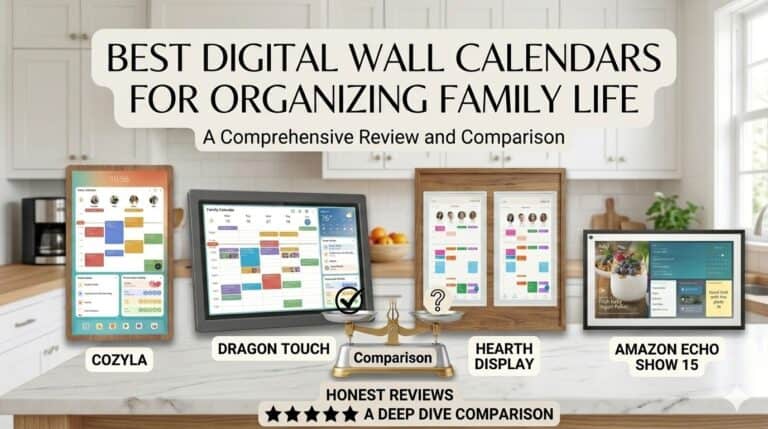
If you’re still on the fence, I’d also recommend reading my full Cozyla Calendar review and my roundup of the best Skylight Calendar alternatives to get a wider picture before you buy.
|
|
|
|
Our Rating:
4.0
|
Our Rating:
3.7
|
|
$899.99
|
|